
An error was encountered in the request to ShrinkTheWeb.com:
    errno: 52
    error: Empty reply from server
An error was encountered in the request to ShrinkTheWeb.com:
    errno: 52
    error: Empty reply from server
An error was encountered in the request to ShrinkTheWeb.com:
    errno: 52
    error: Empty reply from server
Video Topics
From time-to-time WEBphysiology produces how-to videos that we hope our clients, and the general surfing public, will find useful. Check back periodically to see what’s new. You also can subscribe to our YouTube Channel and we hope you become a friend on our Facebook Page.
Now onto the video library:
Facebook Videos

Creating a Facebook Page (7:01)
Creating a basic Facebook Page for your organization is fairly easy. You first will need a Facebook account. The Facebook Terms of Service are such that you are only allowed to have one Facebook account. This is fine as the Facebook Page doesn’t reflect (more…)

Creating a Facebook iFrame Application (8:31)
Creating a Facebook Application that incorporates an iFrame for use on a custom page tab on you Facebook Page is very powerful. This tool will allow you to display a web page within the Facebook Page tab. This makes it possible to control the content of that tab from outside Facebook and utilizing standard HTML and CSS coding as opposed to previously specialized versions, like FBML.
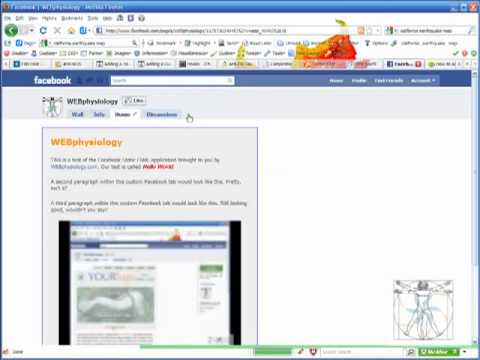
Adding a YouTube Video to your Facebook Page (4:29)
Do you have video content hosted on YouTube that you’d like to make available on your Facebook Page? Fortunately, this can be done and it isn’t that difficult. Click the image to the left to watch the video and/or continue along below.
First, I want to give (more…)
WordPress Videos

Adding a WordPress Plugin (6:04)
Perhaps you are new to WordPress or you are a site administrator and not the person who built the site. In any case, WEBphysiology has produced a video that will help you when it comes to ad (more…)

Auto Thickbox Plugin by Semiologic (6:24)
Recently I was looking to update one of my websites to incorporate a feature that, when a user clicks an image or a link, would pop a window to display the image at full size. The typical term for this feature is “thickbox”. It’s a great look and also (more…)

Automatic WordPress Backup
 I’m sure many of you have some sort of backup process that you follow for your WordPress powered websites but, if you don’t, there is a great plugin that you can utilize to ensure that, if a catastrophe were to beseech you, that you could (more…)

Updating WordPress Plugins (4:56)
Part of the maintenance of a website built upon the powerful WordPress publication engine is to periodically review plugins that have updates released by the plugin’s author. It is recommended that (more…)
YouTube Videos
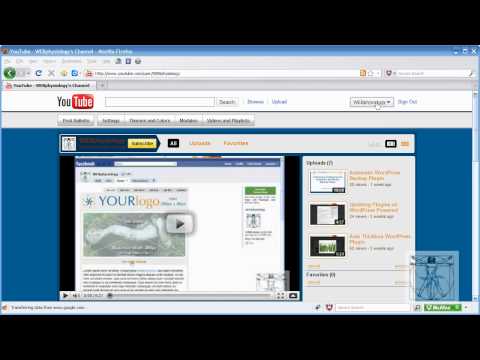
Creating a YouTube Playlist (4:33)
Part of the maintenance of a website built upon the powerful WordPress publication engine is to periodically review plugins that have updates released by the plugin’s author. It is recommended that (more…)
WEBphysiology Portfolio Videos
If you would like to follow along with an instructional video series that will walk you through the installation and configuration of the WEBphysiology Portfolio, you can do so using one of the chapter links (click on the image) below or simply start off with the first video in the series by using the “play all” link just above and to the right of where you are now reading. You can find complete details on the WEBphysiology Portfolio Plugin page.
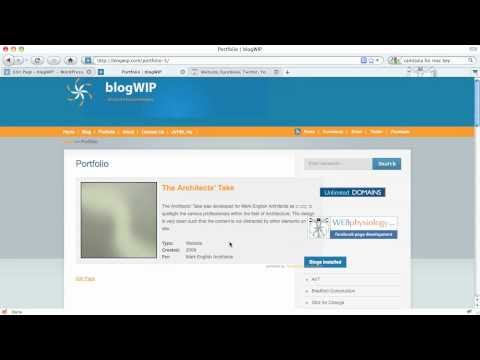
Part 1: Initial Installation & Configuration (8:10)
Please note a couple of changes since this video was created:
- The shortcode used to display the portfolio records has changed from [portfolio] to [webphysiology_portfolio]
- The options for the plugin are now accessed from within the “Portfolio” menu group

Part 2: Quick Styling & Display Options (10:12)

Part 3: Styling Options (7:17)
